How to Set Up a Home Office That Looks Good on Camera

Quick answer: To set up a home office, start with the layout: put the desk where natural light falls on your face, not behind you, and plan what the camera sees behind you. Choose a desk at a comfortable height (usually 28 to 30 inches), a supportive adjustable chair, and a monitor 20 to 40 inches from your eyes with the top of the screen at or slightly below eye level. Add closed storage to keep the background calm, and layered lighting for long days.
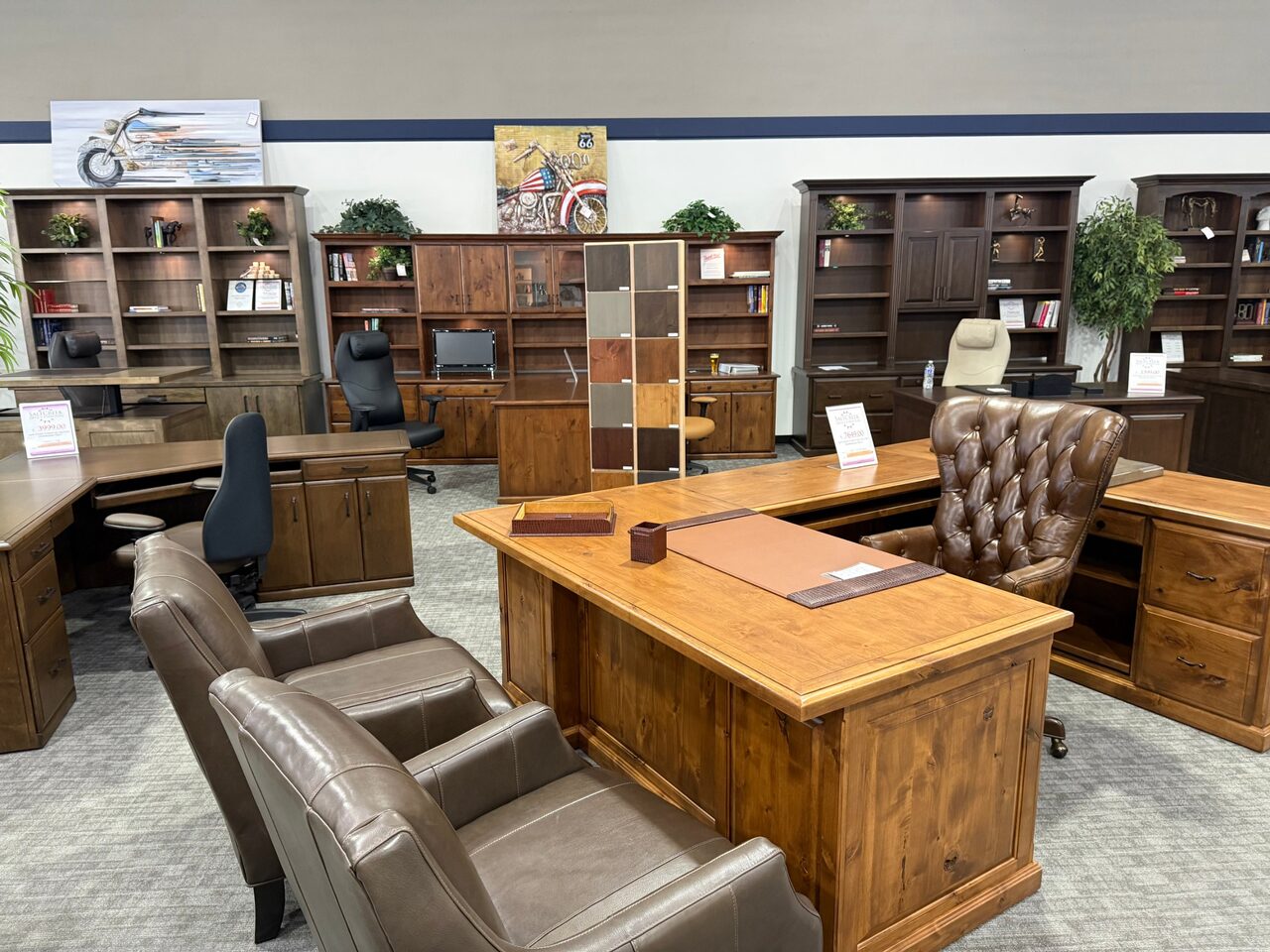
Dana Whitfield has run a regional sales team from the second bedroom of her North Phoenix townhome for three years. She makes about 40 video calls a week. For most of that time, her setup was a desk against the wall, a laptop, a good chair and, behind her on camera, a bare wall with a laundry basket that came and went.
That's how most home offices start. A desk and a good chair seem like all you need.
Here's the detail that changes the setup. A home office has two audiences: you, for eight hours a day, and everyone on your calls. The layout, the light and what's behind you matter as much as the desk.
“A home office has two audiences: you, for eight hours a day, and everyone on your calls.”
Where Should You Put Your Desk?
Which way should you face? Start with the light and the camera.
- Face the window or sit beside it, so daylight falls on your face. A window behind you turns you into a silhouette on camera.
- Plan the wall behind you. That's your background on every call.
- Keep the door out of the frame if you can, so people walking past don't appear on screen.
- Leave about 42 inches behind your chair to roll back and stand up. Our guide to what a credenza is shows how Dana fit storage into that space.
How Should You Set Up Your Desk and Monitor?
What measurements matter for comfort? Three of them.
Desk Height
Most desks are 28 to 30 inches tall. The 2010 ADA Standards set work surfaces in public spaces between 28 and 34 inches high, which is a useful range for home desks too. A height-adjustable desk lets you find your exact height and stand part of the day.
Monitor Distance and Height
How far away should the screen be? OSHA's computer workstation guidance puts the preferred viewing distance at 20 to 40 inches, with the top of the monitor at or slightly below eye level.
Dana's Laptop
Dana worked directly on her laptop, pulled close. The screen sat about 16 inches from her eyes, and the top of it was well below eye level, so she spent her day looking down. On camera, her team mostly saw the ceiling. She added an external monitor at about 25 inches, raised to eye level, with a separate keyboard, and moved her camera to the top of the monitor.
“The screen was 16 inches from her eyes and below eye level. On camera, her team mostly saw the ceiling.”
Our guide to desk height and monitor setup goes deeper.
What Furniture Do You Need for a Home Office?
What belongs in the room? The essentials:
| Piece | What to look for |
|---|---|
| Desk | Enough surface for your monitor and work; consider an L-shaped or height-adjustable desk |
| Chair | Adjustable seat height, lumbar support and armrests; something you can sit in all day |
| Storage | Closed storage, such as a credenza or file cabinet, to keep the background calm |
| Lighting | A ceiling or floor light plus a desk or task light; soft light facing you for calls |
| Bookcase | Open shelves styled sparingly make a good camera background |
Our guides to L-shaped desks, features every home office chair must have and home office lighting mistakes to avoid cover each piece.
How Do You Make a Home Office Look Good on Video?
What does the camera need? A calm, intentional background:
- Closed storage behind you instead of open clutter.
- One or two personal touches, such as art, a plant or a lamp, rather than a full shelf.
- Light in front of you, from a window or a soft lamp, not behind.
- Camera at eye level, so people see your face, not the ceiling.
“Closed storage behind you, light in front of you, camera at eye level.”
What If the Office Is Also a Guest Room?
Can one room do both jobs? Yes, with pieces that pull double duty, like a daybed or a sleeper and a desk that clears easily. Our guide to furnishing a guest bedroom that also works as a home office covers it.
What Dana Set Up
Dana brought her room measurements to our Scottsdale Office showroom and tried desks, chairs and storage with a design consultant. She kept the desk facing the window for light, added an external monitor at eye level and an 18-inch-deep credenza behind her chair with a lamp and one framed photo on top, and swapped her chair for one with real lumbar support. The laundry basket now lives in the closet. Her team noticed on the first call.
Build Your Home Office in Person
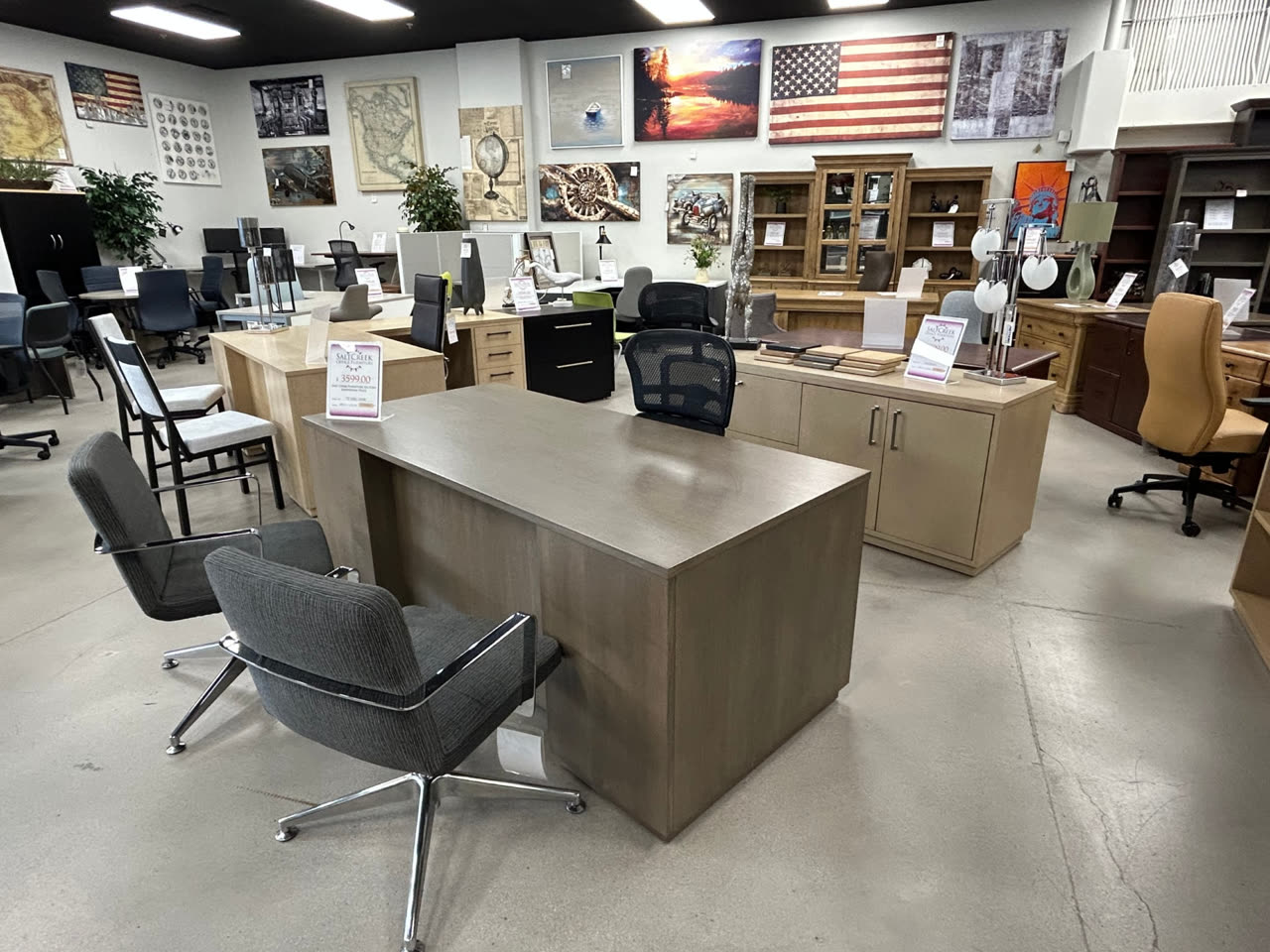
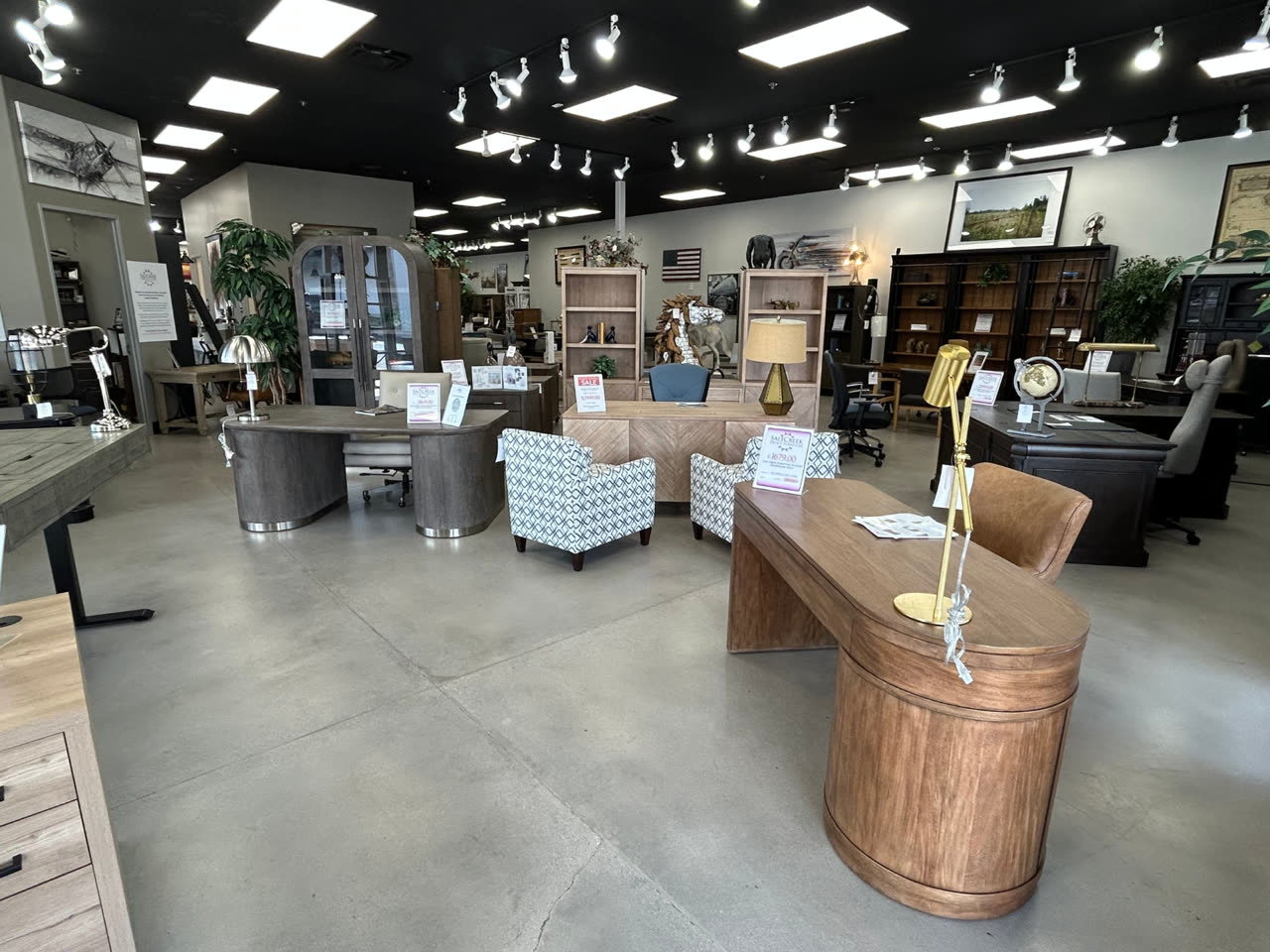
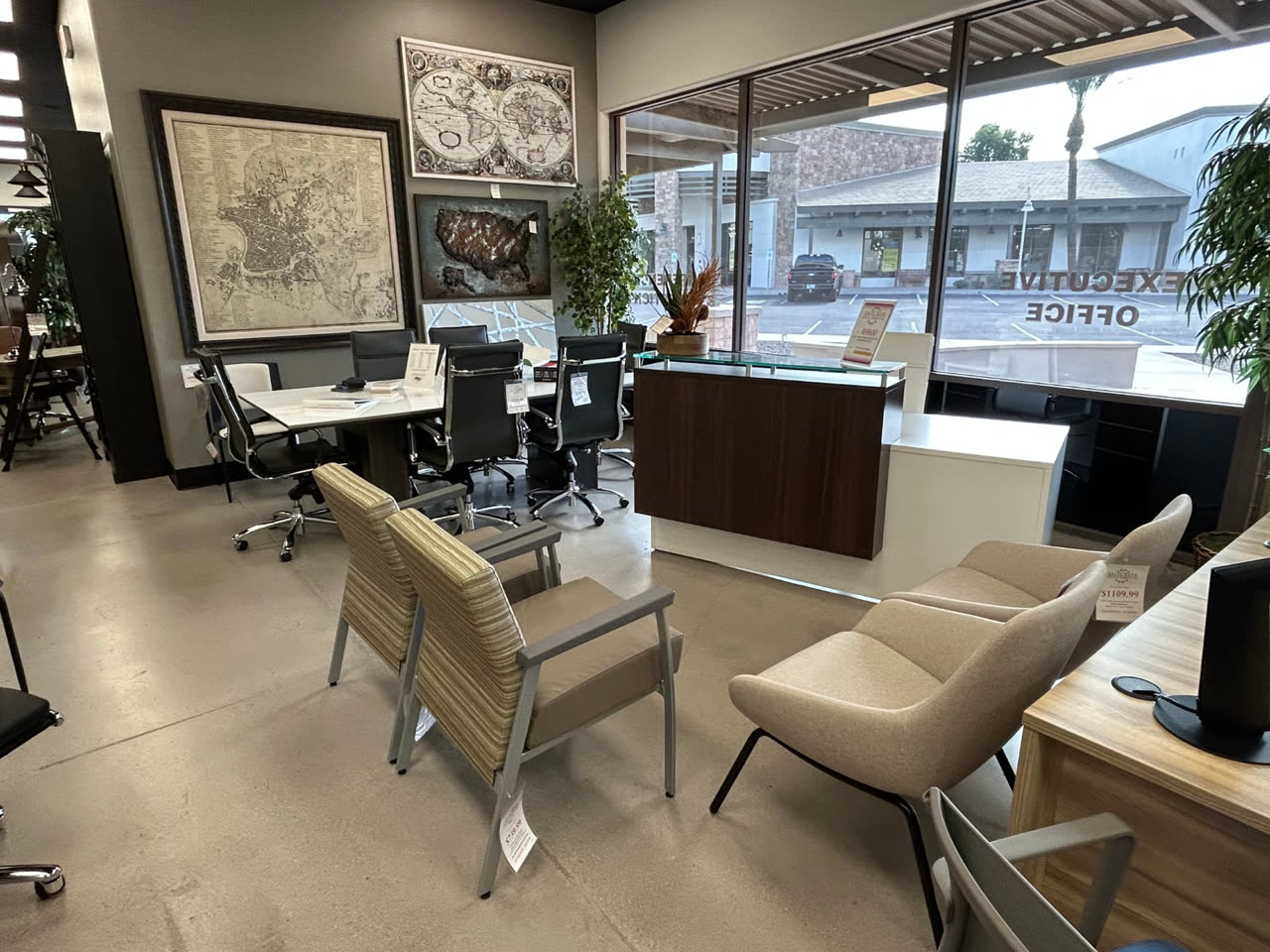
Sit at desks, adjust chairs and see storage side by side. Browse desks, L-desks and credenzas, sit/stand desks, seating, storage, bookcases and lighting, from makers such as Martin Furniture, Maverick Desk, 9to5 Seating and Hooker Furniture.
Visit our Scottsdale Office showroom at 14202 N. Scottsdale Rd., Suite 110, or call (480) 443-1400.
Filed Under
Frequently Asked Questions
How Do You Set Up a Home Office?
Place the desk so light falls on your face, plan the background, choose a comfortable desk and adjustable chair, set the monitor 20 to 40 inches away at or just below eye level, and add closed storage and good lighting.
Where Should a Desk Go in a Home Office?
Facing or beside a window, with a wall you're happy to show on camera behind you and about 42 inches behind your chair.
How Far Should a Monitor Be from Your Eyes?
OSHA recommends 20 to 40 inches, with the top of the screen at or slightly below eye level.
What Is the Best Layout for a Home Office?
One where you face the light, the camera sees a calm wall, and you have room to roll back and stand.